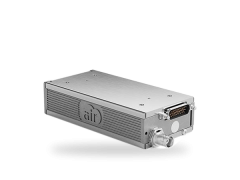
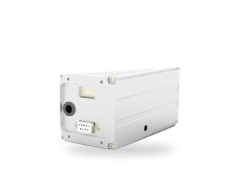
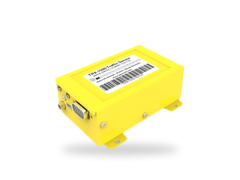
Welcome to
AIR Avionics Support
Knowledge Base
In our knowledge base we provide answers to most common questions.
Contact us
Phone: +49 6227 393 4107
Weekdays 9:00-12:00 and 13:30 to 16:00 CET
eMail: [email protected]
Repair Options
In the rare cases of hardware defects, we quickly provide exchange units and repair services.
Manuals, software
& downloads
On this page we have collected the most important documents, information and data for our devices. Choose a device to find out more.
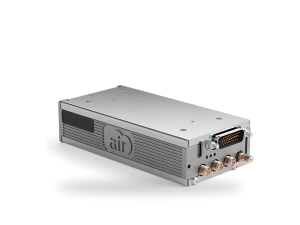
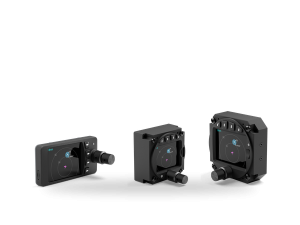
AIR Traffic (AT-1)
Set up your AT-1 in the simulator or the wizard and download the result as a configuration file for the USB stick. Or load a configuration file – your unit’s AT_INFO.LOG from the stick – to see and change its current settings.
- Unit on version 29 or older, 3D CAD models
Unit on version 29 or older (firmware expired 2023)
Version 35 contains FLARM 7.40, which never expires. On units running version 29 or earlier the update consists of three files: put all three onto the USB drive and wait 15 minutes until the update is complete. Browsers sometimes block downloading three files at once.
Panel planning
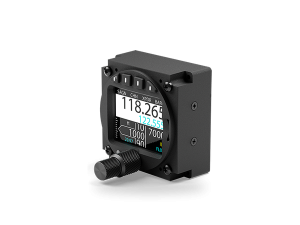
AIR Traffic Display (ATD-57, ATD-80, ATD-11)
- What's new, older units, add-ons, CAD
What's new in 55
Live wind display (with an RS Flight Systems ANEMOI) and FIS-B weather on the radar view (with a Golze ADL200 via GDL 90). Please consult the manuals for details.
Units before version 21
Units running version 21 or later update directly to 55. For older units please contact our support.
Add-ons and tools
AIR Control Display (ACD-57)
- Add-ons, approvals, simulator examples, CAD
New features and the update process are described in the installation manual.
Add-ons and databases
Approvals
Altimeter: EASA Minor Change ApprovalZIP · 7 MBSimulator examples
Panel planning
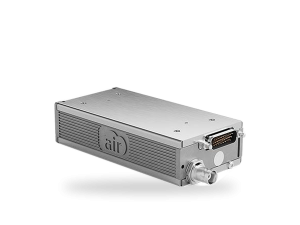
AIR COM (AC-1)
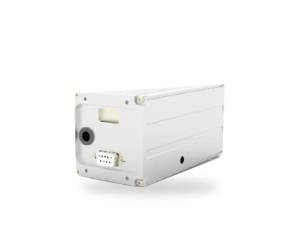
Transponder VT-01
Discontinued products
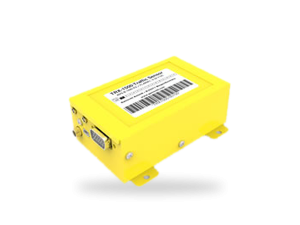
- TRX (TRX-1500, TRX-2000, TRX-1090, TRX-1000)
FLARM updates for TRX-1500 / TRX-1500A / TRX-2000F: please download via www.flarm.com.
TRX-1500 / TRX-1500A ManualPDF · Rev. 1.0b · 1.2 MBTRX-2000 Pilot's ManualPDF · Rev. 1.0b · 1.0 MBTRX-1090 ManualPDF · Rev. 1.0f · 929 KBTRX transponder software (version 38)ZIP · 474 KBTRX update manualPDF · 27 KBTRX Tool PC config softwareZIP · Version 1.18 · 22.3 MBTRX-1000 ManualPDF · Rev. 1.1 · 429 KBTRX-1000 software version 1.33ZIP · 75 KBTRX-1000 PC update softwareZIP · 386 KBTRX OEM integration manualPDF · Rev. 1.4a · 71 KBTRX dataport specificationPDF · Rev. 0.6 · 146 KB - Transponders VT-02 and VT-2000VT-02 / VT-2000 Installation ManualPDF · Rev. 1.3 · 1.8 MBVT-02 Pilot's ManualPDF · Rev. 1.2 · 599 KB
- AIR GlideDisplay S Installation ManualPDF · Rev. 1.5 · 456 KBSensor Unit Installation ManualPDF · Rev. 1.5 · 502 KBDisplay M/L Pilot's ManualPDF · Rev. 0.1 · 1.5 MBAHRS Lockout ManualPDF · Rev. 0.92 · 174 KBConnect Stick ManualPDF · Rev. 0.4 · 978 KBNMEA Unit ManualPDF · Rev. 1.1 · 1.2 MB
- AIR ConnectAIR Connect ManualPDF · Rev. 2.0 · 836 KBAIR Connect Integration ManualPDF · Rev. 2.0 · 773 KB
- Butterfly Display
Update 4.1: various fixes and support for the latest FLARM protocol versions. Our sincere thanks to Dave Nadler, who updated and vastly improved the software in his spare time.
Butterfly Display ManualPDF · Rev. 1.0 · 2.1 MBPC update software 4.1EXE · Version 4.1 · 1.1 MBUpdate 4.1 via PowerFLARM devicesBFW firmware · Version 4.1 · 2.9 MB - iGlideiGlide ManualPDF · Rev. 2.3 · 707 KB
- Volkslogger
Due to a lack of components and spare parts, we can no longer offer repair services for legacy Volkslogger units. Manuals and software are no longer available.